Sub-domains (such as forum.yourdomain.com or blog.yourdomain.com) allow you to host dedicated web applications and micro-sites under your primary brand. Follow this visual step-by-step tutorial to create a subdomain in WinWinHost:
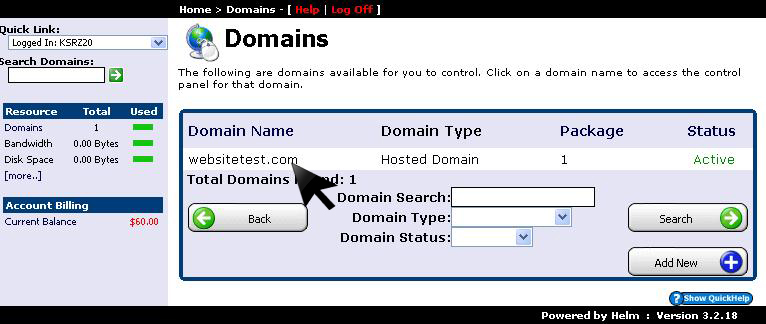
1. Select Primary Domain
From the Domains management overview, click on the primary domain where you want to add the subdomain:
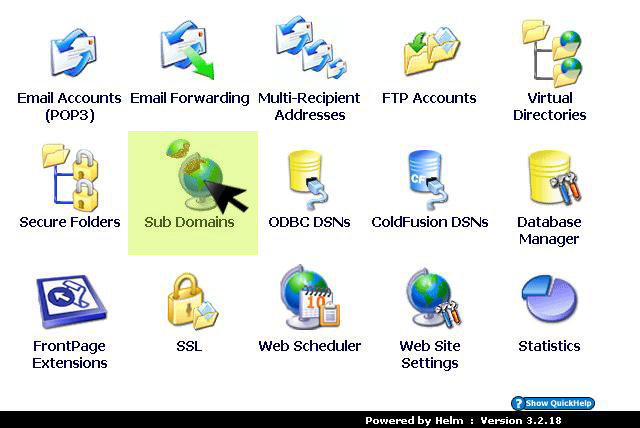
2. Open Sub Domains Menu
In the domain configuration options list, click on Sub Domains:
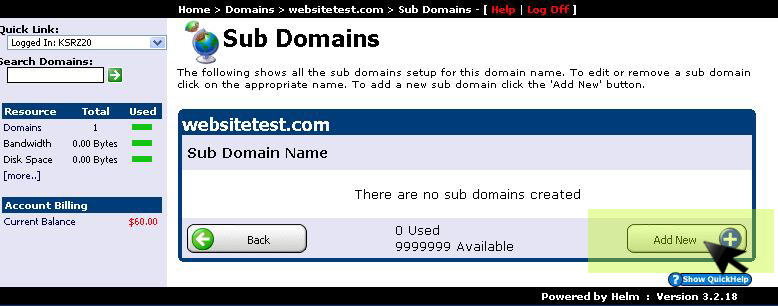
3. Click Add New Subdomain
Click the Add New button to initialize a new subdomain record:
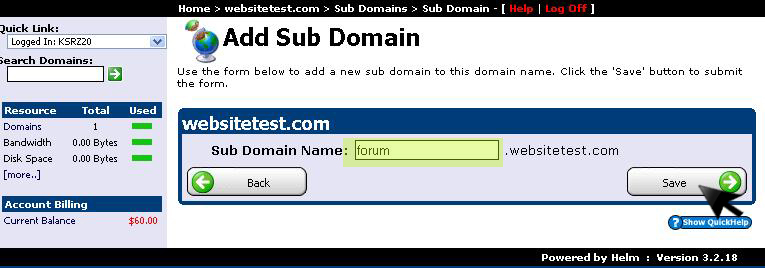
4. Enter Subdomain Prefix & Save
Enter the prefix for your subdomain (e.g. forum, blog, or app) and click Save:
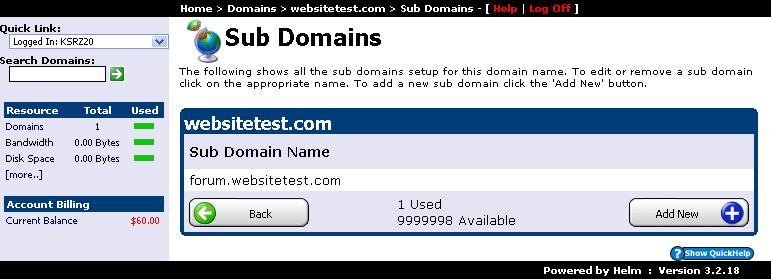
5. Confirm Provisioned Subdomain
Your subdomain is instantly provisioned with its own isolated document root folder and is ready to deploy files: