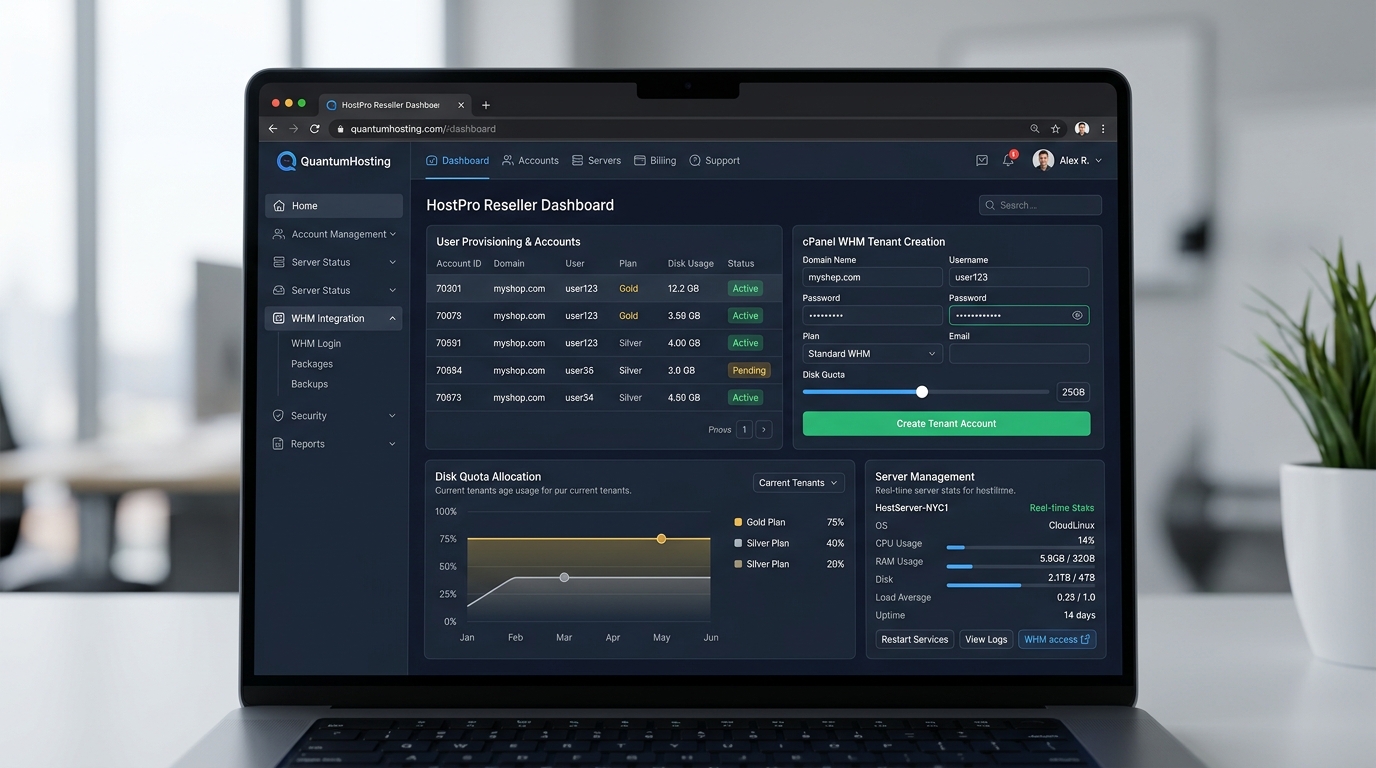
How to add a user from your reseller account - Technical Guide & Overview
As a Reseller must always know how to add new users to your account. In this tutorial will be presented step by step how you can add users and how you can change the settings of the accounts created by them. Let's start:
1) First, in the main menu select the option "Users" as you see in the image below:
How to add a user from your reseller accountArchive Unresolved - Placeholder Asset" style="vertical-align: middle;" title="add user" width="550" />
2) In the next window, at first you do not have added any user. To add a user click on the button "Add New":
How to add a user from your reseller accountArchive Unresolved - Placeholder Asset" style="vertical-align: middle;" title="add user" width="550" />
3) Enter the new user's personal data by filling each of the free boxes as you see in the image below, then click "Save":
How to add a user from your reseller accountArchive Unresolved - Placeholder Asset" style="vertical-align: middle;" title="add user" width="550" />
4) At this time you managed to add a first user of your reseller account. To see the settings you can change for this user click on his name:
How to add a user from your reseller accountArchive Unresolved - Placeholder Asset" style="vertical-align: middle;" title="add user" width="605" />
5) For the selected user,in the menu you have several options which we will explain all.
The option "Packages" allows you to add packages to a specific user. After adding a new package you can add domains to that package:
How to add a user from your reseller accountArchive Unresolved - Placeholder Asset" style="vertical-align: middle;" title="add user" width="550" />
6) If you not have a added package then you can click on "Add New":
How to add a user from your reseller accountArchive Unresolved - Placeholder Asset" style="vertical-align: middle;" title="add user" width="550" />
7) In the next window enter the name you want for your package and select the plan for which you want to add this package. Finally click "Save":
How to add a user from your reseller accountArchive Unresolved - Placeholder Asset" style="vertical-align: middle;" title="add user" width="550" />
8) Another option in the menu for each user is "Domains":
How to add a user from your reseller accountArchive Unresolved - Placeholder Asset" style="vertical-align: middle;" title="add user" width="550" />
9) Another option is the users menu is 'Password '. To change a password, click on this option:
How to add a user from your reseller accountArchive Unresolved - Placeholder Asset" style="vertical-align: middle;" title="add user" width="550" />
10) Enter the desired password and click "Save":
How to add a user from your reseller accountArchive Unresolved - Placeholder Asset" style="vertical-align: middle;" title="add user" width="550" />
11) Then we have the option "Billing" which can give us information about the cost of the packages for each user:
How to add a user from your reseller accountArchive Unresolved - Placeholder Asset" style="vertical-align: middle;" title="add user" width="550" />
12) The option "Billing" has also two other options: "Account Statements" and "Recurring Payments":
How to add a user from your reseller accountArchive Unresolved - Placeholder Asset" style="vertical-align: middle;" title="add user" width="550" />
Option "Account Statements" allows us to see transactions made by a user in a certain period of time. To see more details about a particular transaction, click on "Invoice":
How to add a user from your reseller accountArchive Unresolved - Placeholder Asset" style="vertical-align: middle;" title="add user" width="550" />
Option "Recurring Payments" refers to transactions in progress. To make changes or delete a particular transaction, click on this:
How to add a user from your reseller accountArchive Unresolved - Placeholder Asset" style="vertical-align: middle;" title="add user" width="550" />
WinWinHost launches Unlimited Website Edits powered by autonomous AI engineering. Get continuous content revisions, mobile UI polish, technical SEO, and Core Web Vitals optimization with zero hourly fees and zero downtime.
WinWinHost introduces autonomous AI Web Developer Agents for just $10/month per domain. Each dedicated agent continuously monitors site health, resolves layout regressions, optimizes PageSpeed scores, and executes code updates with zero developer hourly fees.
Link Directory Plugin was released and we hope that this can help you to make a link directory website from your wordpress installation in just a few minutes.Right now the plugin has a lot of features but we are working to make even more options available to you.
If you want to monetize your website via a payday loan affiliate network then you should know that are some nice networks out there like WinWinHost Network that can be a profitable way for your business.
Now you can earn money by generating leads with your wordpress website. We have created an wordpress plugin that adds a Payday Loan form to your website that you can customize in many ways.
Getting your own domain is really a huge step for anyone who wants to have an online presence. It changes the whole way a person work. Many people get domain names for individual reasons
Google said it would begin the project of building a social networking platform that can compete against the more known Facebook and makes online communication a reality today.
Microsoft announced the launch of a cloud service called Office 365 which will bring together Microsoft Office, Microsoft Lync Online, Microsoft Exchange Online, and Microsoft SharePoint Online.
One of the most efficient business on the Internet at this moment is selling web space known as web hosting reseller. It is the perfect solution for those who want to sell web space with a small investment.
Generally when you want to become a web hosting reseller you should consider everything carefully before starting to provide such services. It is better to decide if it is in your advantage to provide space on a Windows server.
All the companies/individuals who have contact with the online environment and manage to make profit from its activities on the Internet, always want to improve the performance of his websites and this can be best done by using SEO.