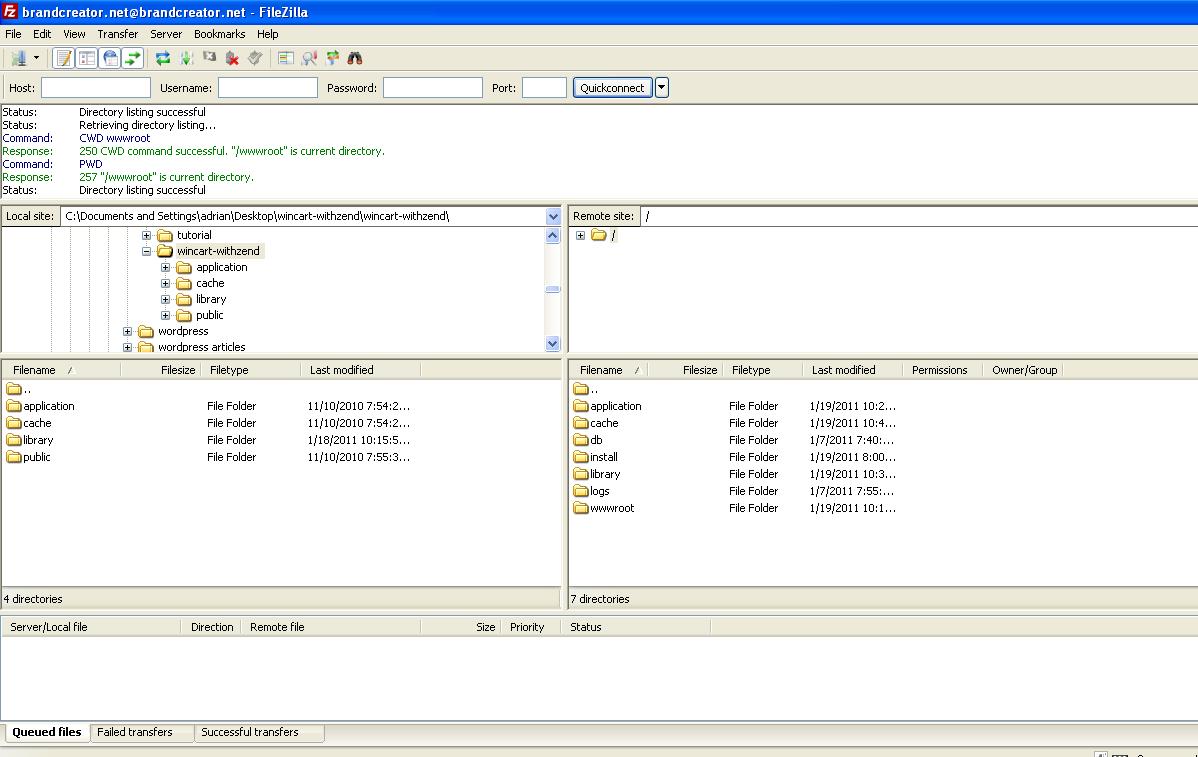
Creating supplemental FTP accounts allows you to provide developers or contractors with isolated upload access restricted to specific subdirectories of your website. Follow this visual step-by-step guide to add an FTP account in WinWinHost:
1. Select Target Domain
From the Domains overview, click on the domain where you want to add the new FTP user:
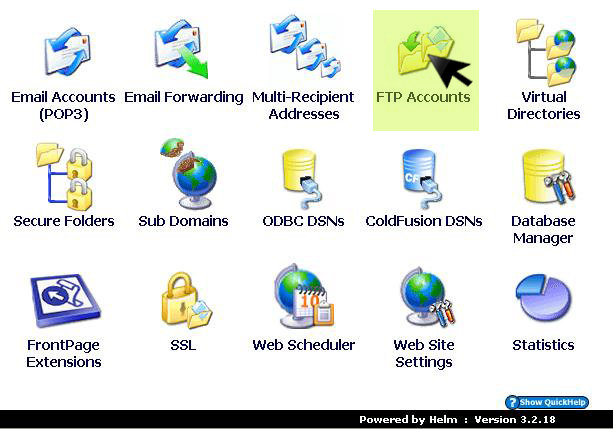
2. Open FTP Accounts Console
In the domain options menu, click on FTP Accounts:
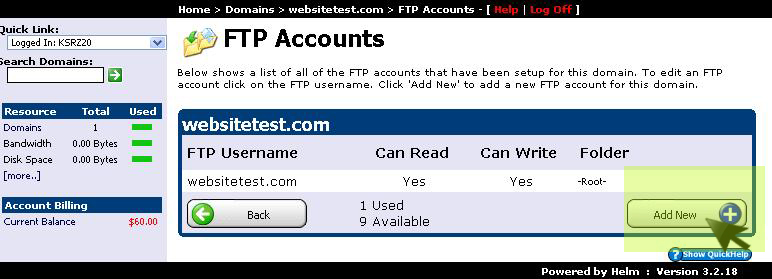
3. Click Add New FTP User
Click the Add New button to initialize a new FTP credential form:
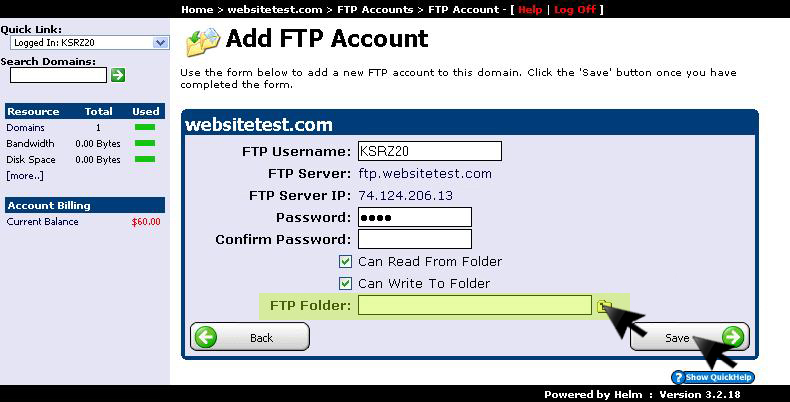
4. Define Credentials & Root Folder Path
Enter the FTP username, secure password, and define the home directory path, then click Save:
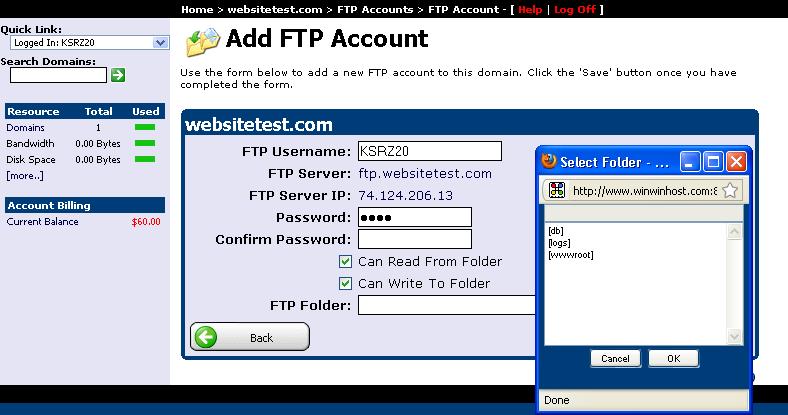
5. Restrict Subdirectory Permissions (Optional)
You can restrict the user's root access strictly to subfolders (such as /public_html/assets/ or /install/) to protect primary configuration files: