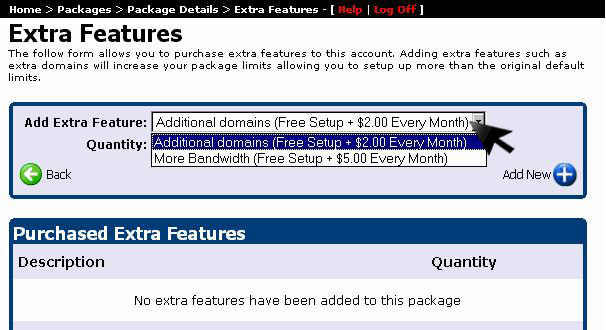
Account add-on upgrades allow website owners to expand their hosting resources with dedicated IPs, additional MySQL databases, supplemental bandwidth, or automated backup services. Follow this visual step-by-step guide to add extra features to your WinWinHost account:
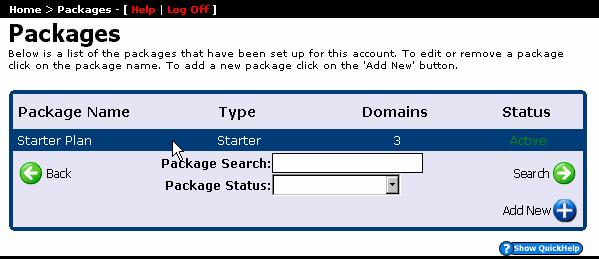
1. Select Hosting Package
From your account dashboard, select the active hosting package you wish to upgrade:
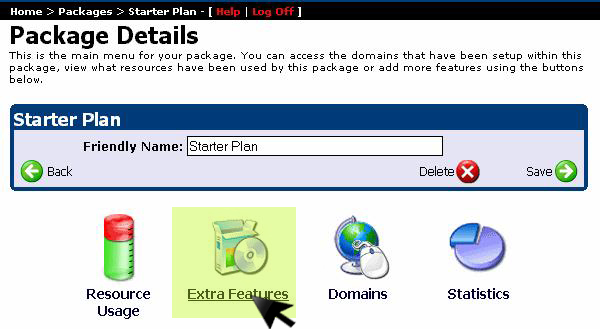
2. Open Extra Features Console
In the package options navigation list, click on Extra Features:
3. Select Add-On & Provision
Choose your desired add-on feature from the catalog dropdown list and click Add New to activate it on your package: