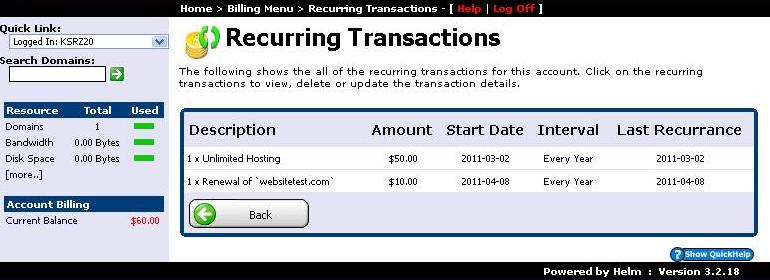
The WinWinHost billing portal provides comprehensive oversight over your hosting invoices, payment history, and automated renewals. Follow this visual guide to manage your account billing:
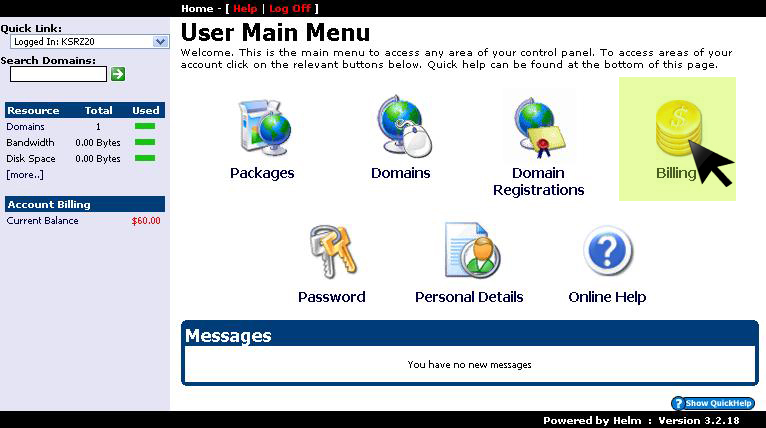
1. Access Billing from Control Panel
From the main control panel navigation, click on the Billing menu:
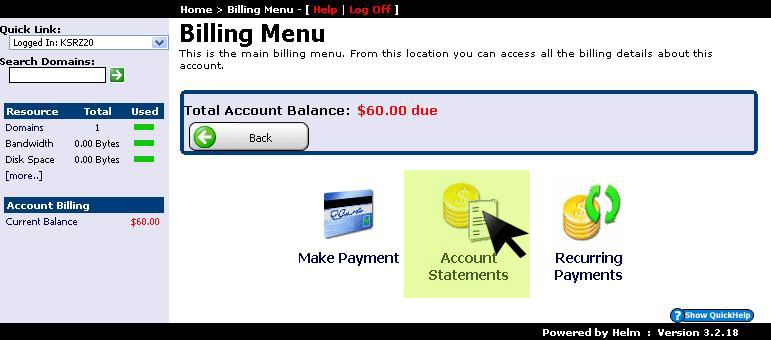
2. Review Account Statements
To audit historical payments and charges made to your account, click on Account Statements:
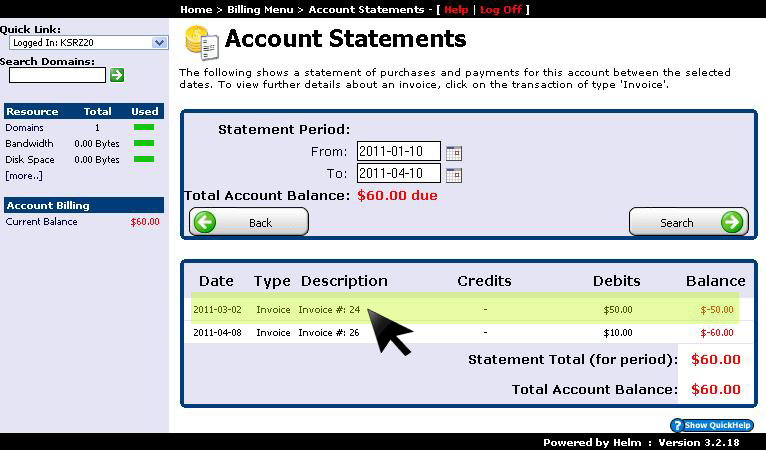
3. View Statement Details & Invoices
Click on any specific transaction row to view its complete ledger breakdown and payment receipt:
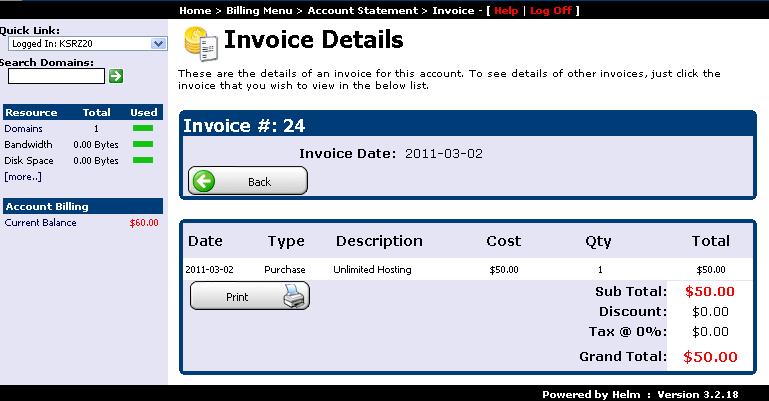
4. Inspect Line Item Breakdown
The detailed transaction view itemizes server resources, domain renewals, and licensing fees applied to the charge:
5. Manage Recurring Subscriptions
Under the Billing menu, select Recurring Transactions to audit active auto-renewal schedules and upcoming payment cycles: