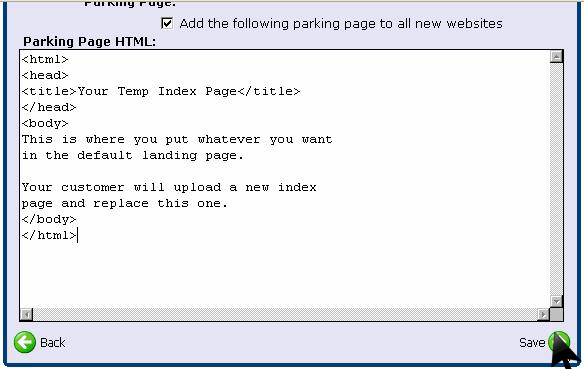
Configuring a custom default parking page automatically displays a branded placeholder landing page whenever a new domain or website is provisioned on your reseller server. Follow this visual step-by-step guide to set up a default homepage template in WinWinHost:
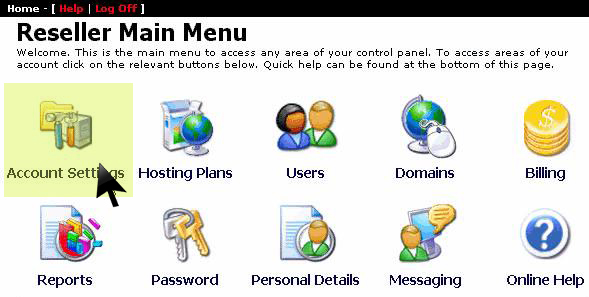
1. Open Account Settings
From the main reseller management dashboard, click on Account Settings:
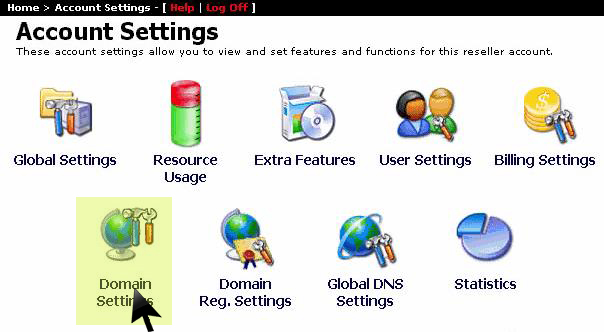
2. Select Domain Settings
In the account options list, select Domain Settings:
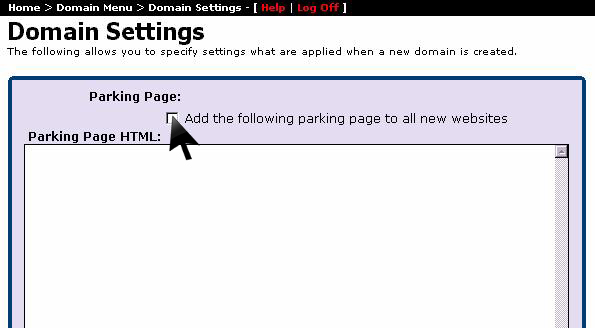
3. Enable Parking Page for New Websites
Check the box labeled Add the following parking page to all new websites:
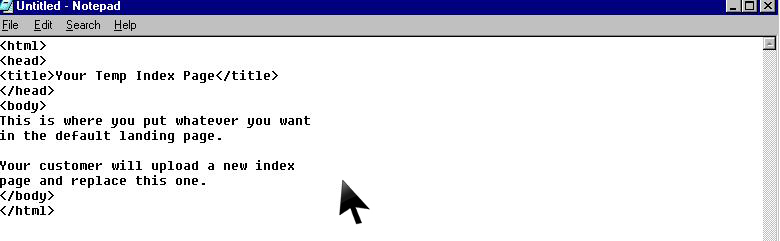
4. Compose Custom Parking HTML
Author your custom branded HTML code in the Parking Page HTML editor area:
5. Save & Activate Default Template
Review your placeholder HTML markup and click Save. All newly created customer websites will automatically serve this template until the client uploads their site files: