
White-label customization allows hosting resellers to brand the client control panel with their own logo, custom color schemes, footer disclaimers, and support helpdesk links. Follow this step-by-step tutorial to customize your reseller control panel:
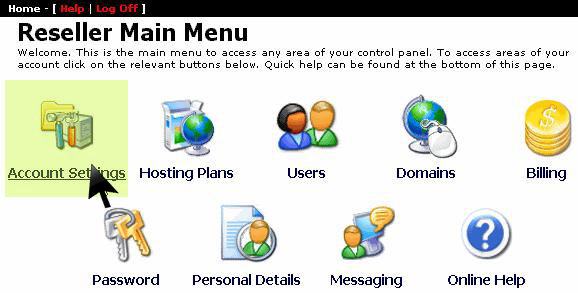
1. Access Account Settings
From the main management dashboard, select Account Settings:
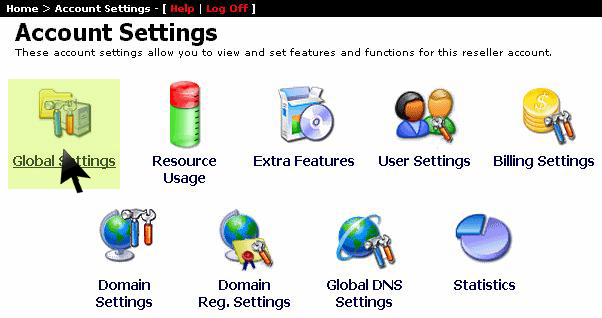
2. Open Global Settings
In the account configuration list, click on Global Settings:
3. Apply Custom Logo & Support Links
Provide the URL to your brand logo, enter custom copyright text for the portal footer, add links to your customer ticketing system, and click Save:
