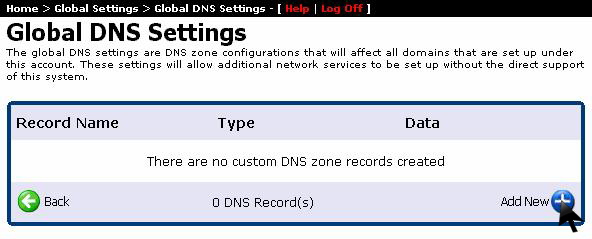
Configuring proper DNS records ensures your domains resolve reliably across global nameservers. Follow this step-by-step visual tutorial to set up global DNS settings and nameservers in your WinWinHost account:
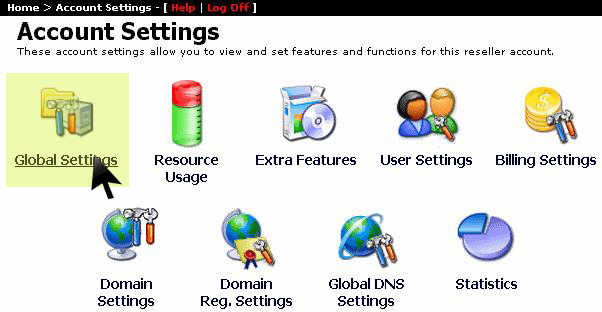
1. Access Global Account Settings
From the primary navigation menu, click on Account Settings and select Global Settings:
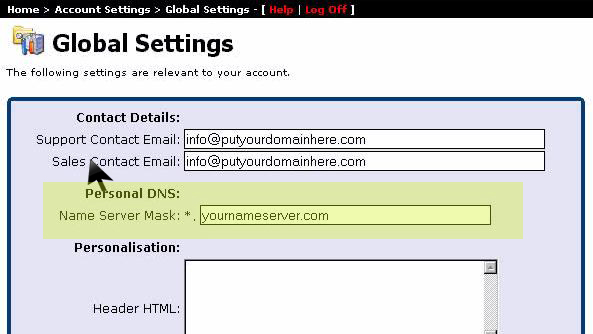
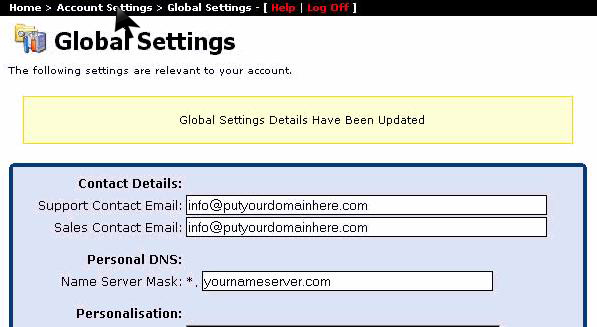
2. Define Primary Nameservers
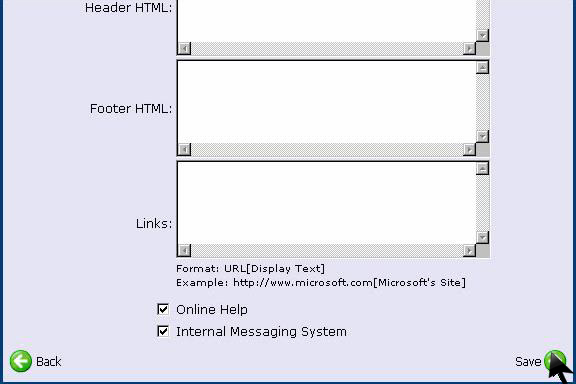
Enter the primary and secondary nameserver hostnames for your server infrastructure, and configure the custom header and footer branding:
Confirm that Online Help is enabled, review your configurations, and click Save:
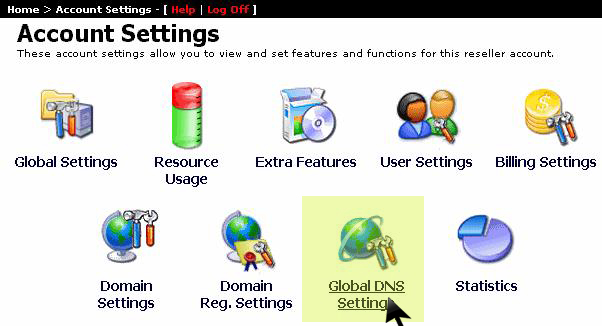
3. Open Global DNS Settings
Navigate back to the Account Settings menu and click on Global DNS Settings:
4. Add New DNS Zone Record
Click the Add New button to create a new DNS zone template:
5. Enter Nameserver IP Addresses & Save
Enter the authoritative IP addresses for your nameservers (NS1 and NS2) and click Save to propagate your DNS records across the network cluster: